You have a product photo, an offer, and a campaign to launch. Your next asset might be a promotional image, a short video, or several creative directions. Choosing an AI ad generator starts with deciding which of those you actually need.
This guide offers a practical selection framework and a sample brief. It is not a tested ranking of individual tools.
Start With the Ad You Need
| Creative goal | Features to verify |
|---|---|
| A promotion with a headline and price | Editable layouts and typography |
| A product in a new setting | Image references and composition controls |
| A clip based on a product photo | Image-to-video inputs and motion instructions |
| A presenter explaining an offer | Script, presenter, and voice options |
| Several campaign variations | Revision, organization, and export workflows |
Check current documentation and plan details before assuming a feature is included.
Five Questions to Ask Before Choosing
Can you use your existing assets? List your product photos, approved copy, logo, and footage. Check whether the tool accepts them in the workflow you need. Upload support alone does not guarantee accurate product details. Test a representative asset first.
Can you revise the parts that matter? You may need space for a headline, a different background, or a tighter crop. Find out whether changes require direct editing, another generation, or a separate application. Choose a practical route to a finished asset.
Will the output fit its placement? A vertical video and a wide banner need different compositions. Plan the product, headline, and call to action around the destination. Account for interface overlays and leave room to adapt the crop.
What does an approved asset cost? Include attempts, editing, and placement versions. Check export resolution, watermarks, and plan restrictions. A small trial with your own brief can be more useful than a long feature list.
Does the creative represent your product accurately? Compare shape, packaging, color, and demonstrations with approved materials. Keep prices, dates, and factual claims easy to verify and update.
Write a Clear Creative Brief
Define the product, audience, message, scene, format, and constraints. Here is a fictional example:
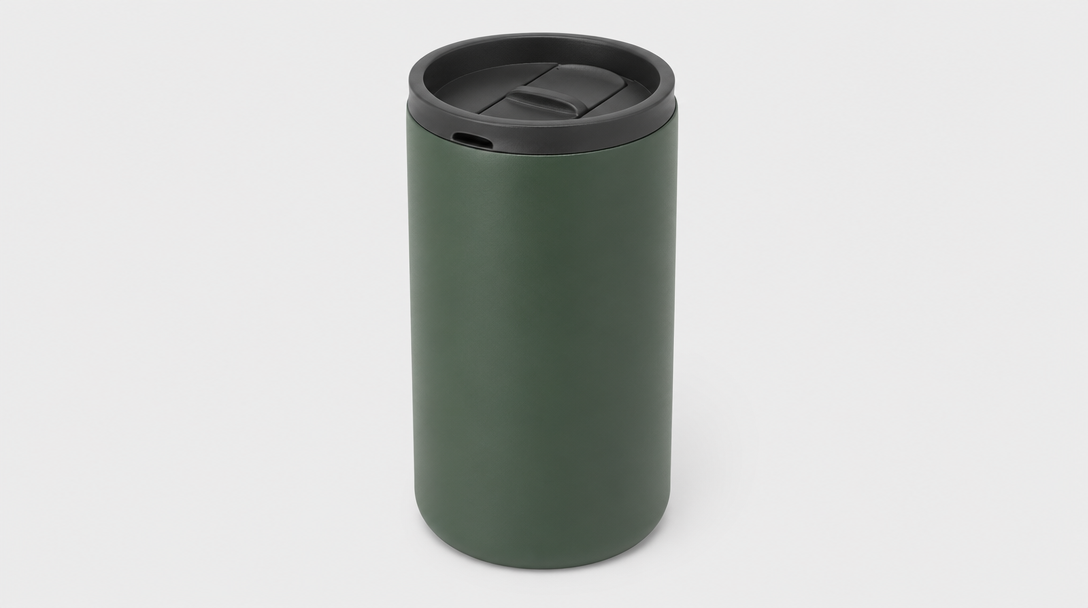
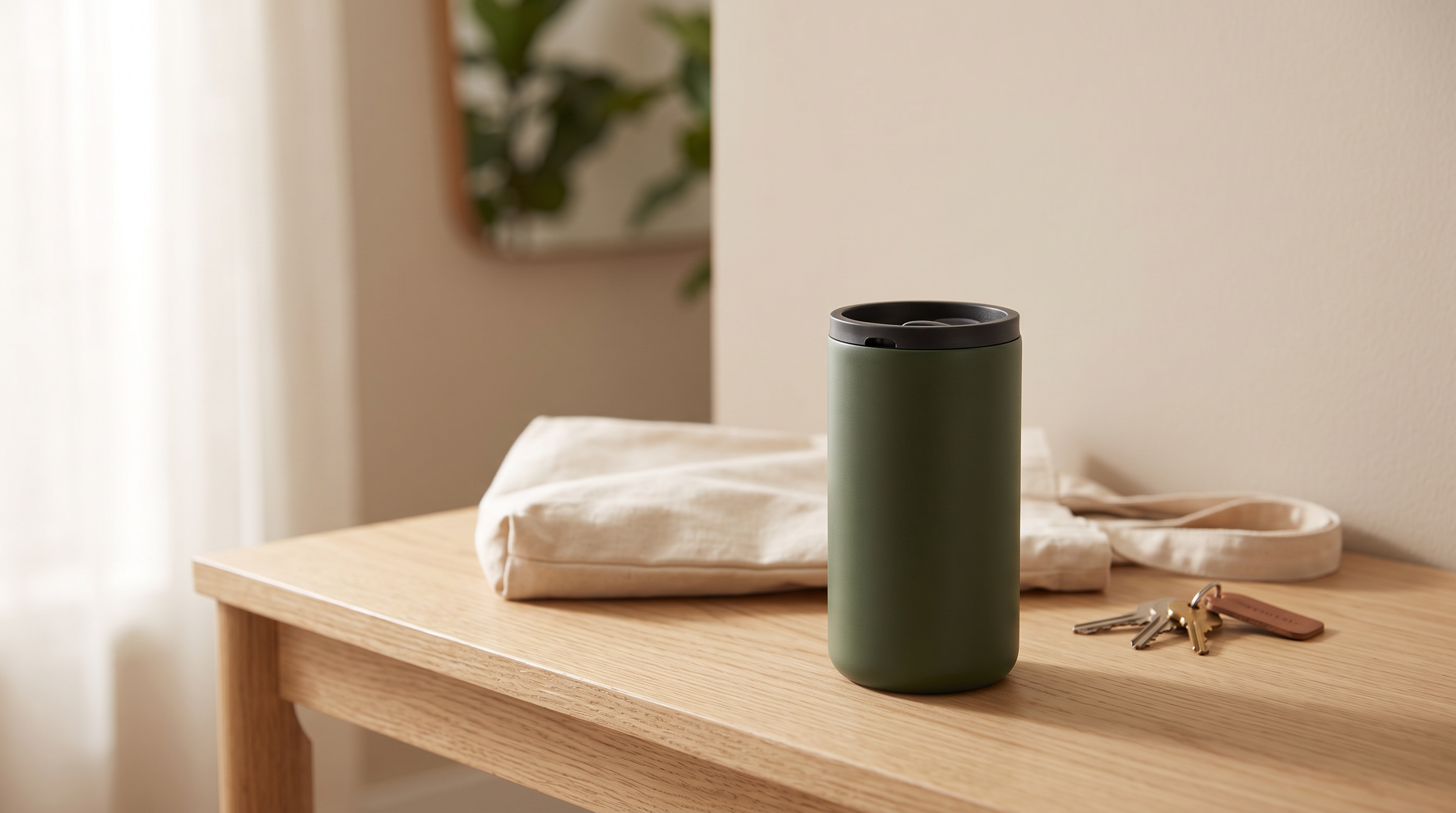
Product: A reusable insulated travel mug. Audience: Morning commuters. Message: Make the mug part of an everyday departure routine. Scene: An entryway table beside a bag and keys. Format: A vertical promotional image. Constraints: Match the supplied mug's shape and color; leave space for approved copy.
The example describes a creative concept, not evidence of a generated result or a product performance claim.
Turn the Brief Into a Visual Prompt
Create a vertical lifestyle product composition using the supplied travel mug reference. Place the mug on a light wooden entryway table, with a canvas bag and keys in the background. Use soft morning light and a calm, everyday atmosphere. Keep the mug clearly visible and leave uncluttered space in the upper composition for a headline. Match the product's shape and color to the reference.
For a simple video concept:
A slow camera push toward the travel mug on the entryway table. Soft morning light falls across the surface. The mug stays stationary and remains the main focus.
These are illustrative prompts, not tested outputs. Controls and reference handling vary by tool. Start with a simple shot and add complexity only when it serves the message.
Make Variations With a Purpose
Compare a close-up with a lifestyle composition, or a product-focused headline with an occasion-focused headline. Record what changed. Changing every element at once makes it harder to understand differences in performance. Treat each version as a candidate for testing, rather than proof of campaign success.
FAQ
What is the best AI ad generator for beginners? Look for compatibility with your assets, understandable revisions, and the export format you need. Try one small brief first.
Can I start with one product photo? Some workflows accept one image. Whether it is sufficient depends on the scene and the details you need to show. Additional approved views may help when the concept reveals unseen parts.
Do I need video for my first ad? Choose the format around the message. A static composition is a practical starting point while you decide on the offer and visual direction.
Should I generate the headline inside the image? For precise formatting and frequent revisions, add the headline in an editable layout.
Plan Your First Creative
Write one brief, choose one placement, and develop one visual direction before expanding the campaign. For your next Framivo project, prepare the product reference, a clear message, and a scene that supports it.