A Room in Bloom
One perfume spray turns a gray room into a purple tide of petals and fabric.
Create product images and video concepts with AI.
Start with the product and the message you want to communicate. Explore a visual direction, a setting, and a way to present the idea—before deciding what belongs in the campaign.
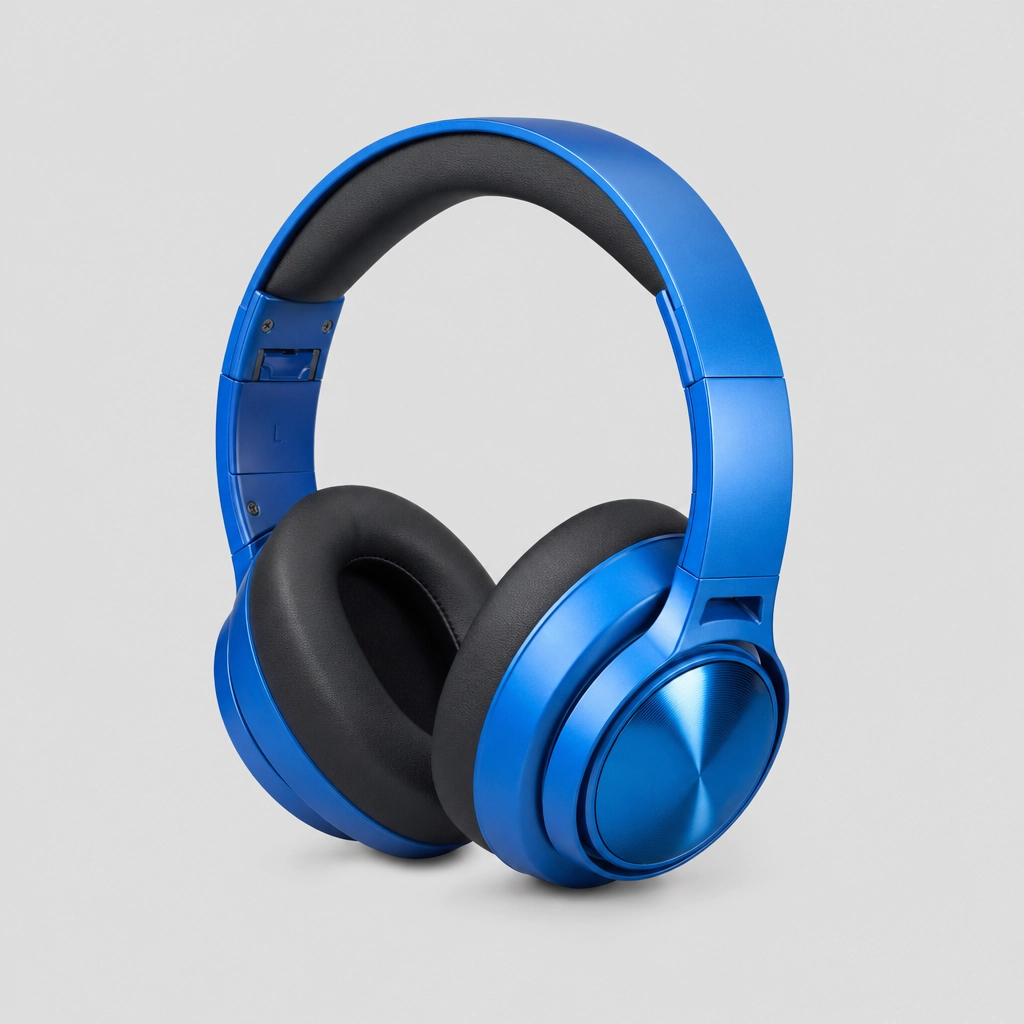
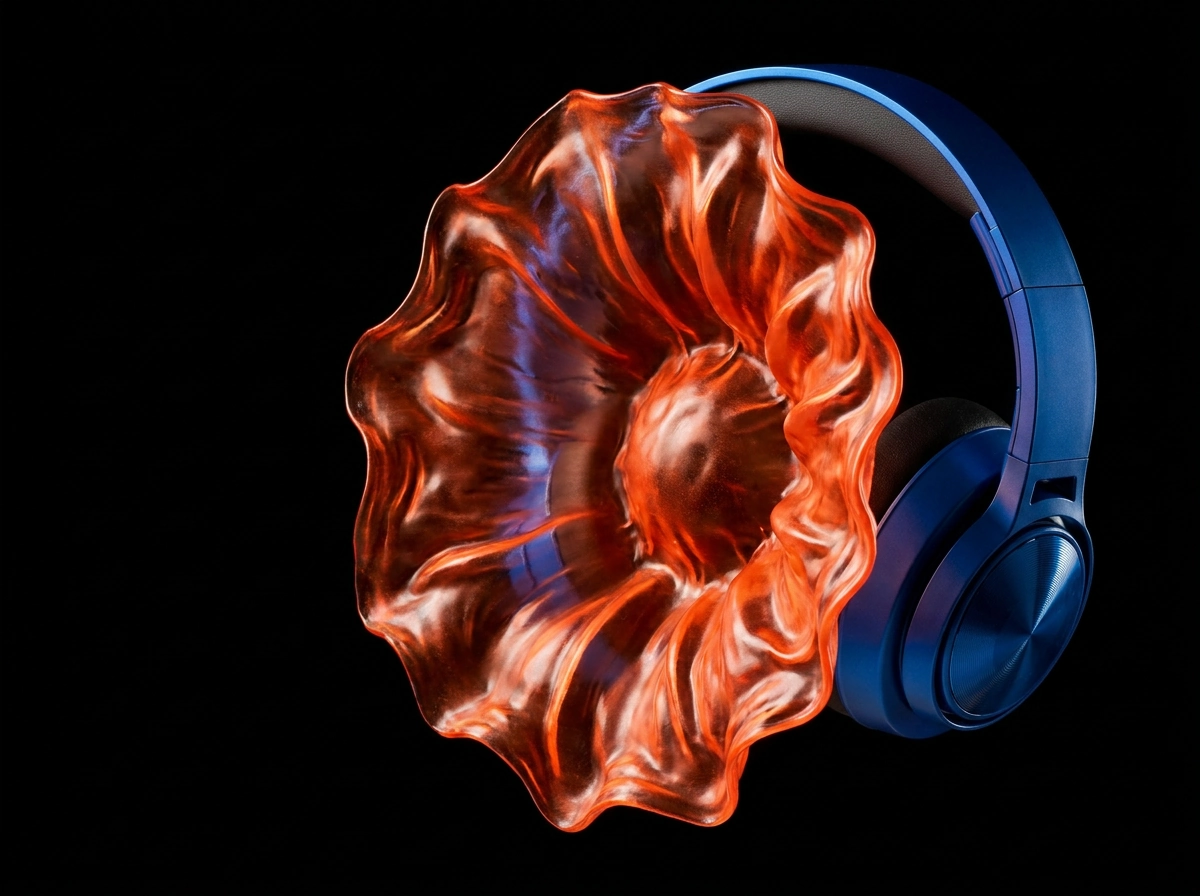
Explore three independent advertising ideas: a city painted by lipstick, a mountain unfolding from a backpack, and a caramel fault line through chocolate.
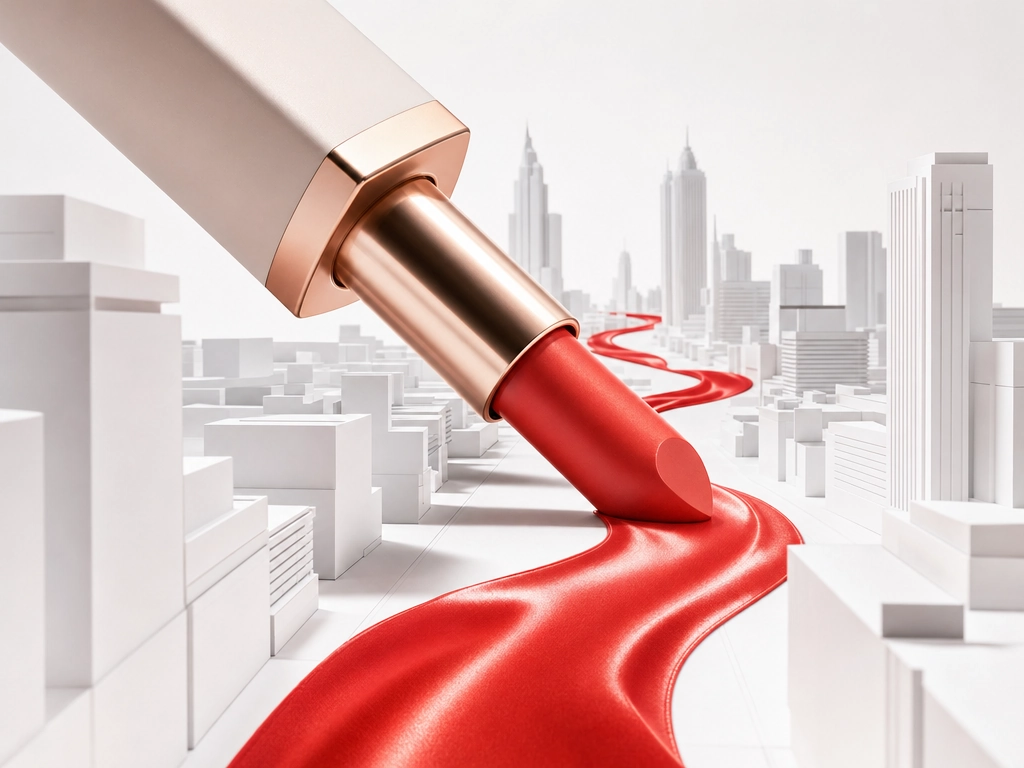
A lipstick turns an entire city into a stroke of color.
A proposed direction, not a product-accuracy guarantee.
Two independent placement ideas. A pocket-sized sun in portrait; an impossible coffee pour in square.
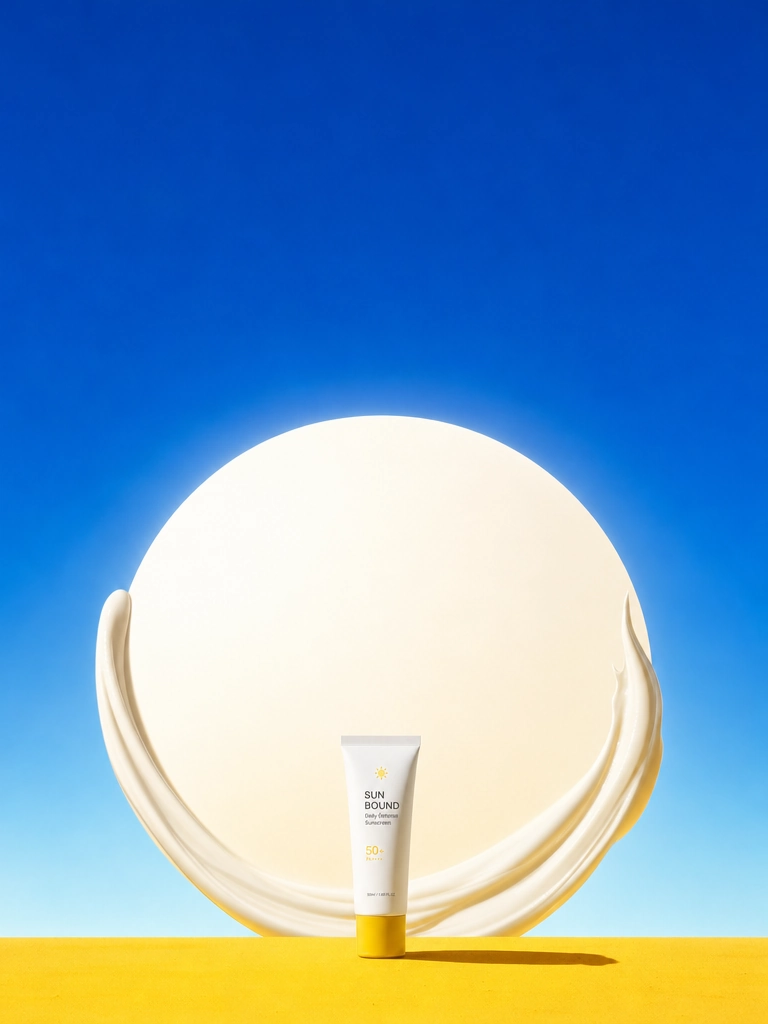
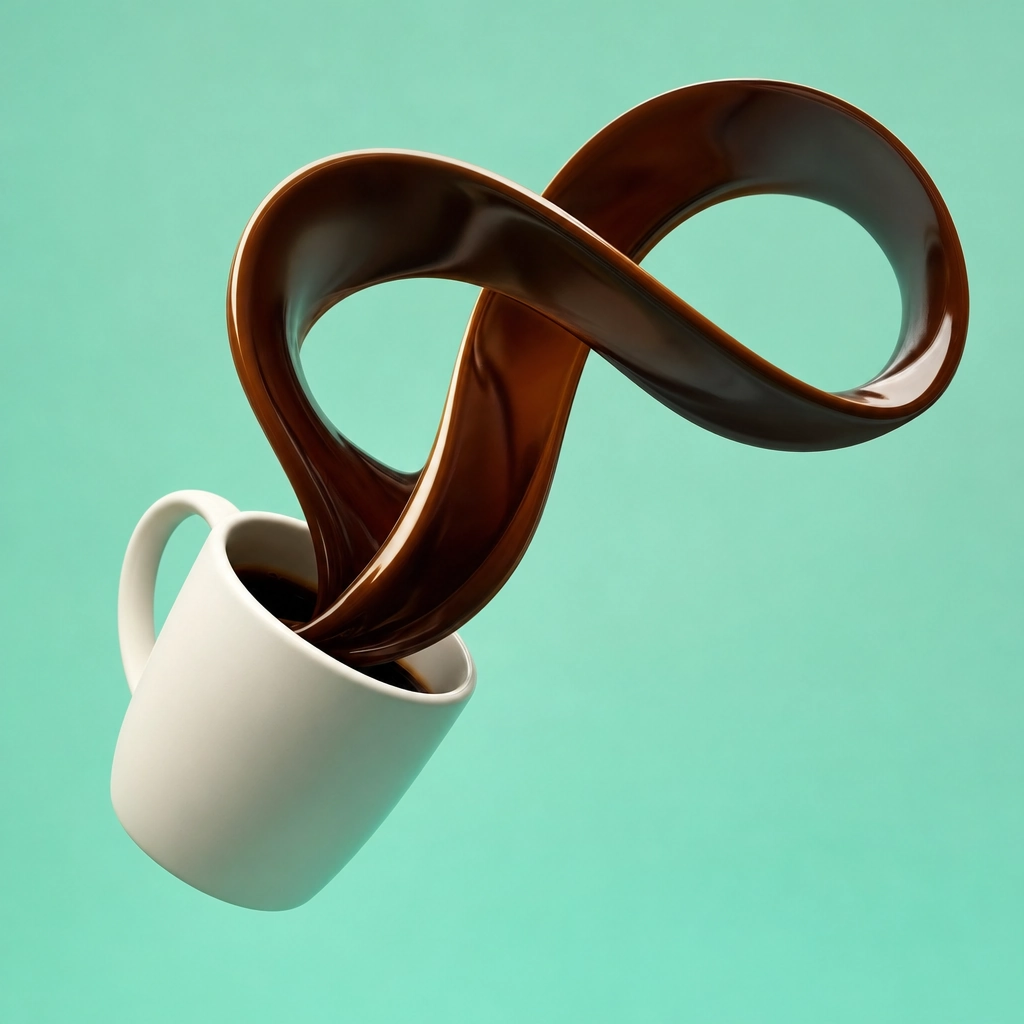
Independent product concepts; same-product format adaptation is shown separately in the process below.
Use a selected image or product reference to explore a video concept. Add the movement you want to see, then review the result before choosing the next version.
A can opens. Three bubbles reverse gravity and bend the world around them.
One perfume spray turns a gray room into a purple tide of petals and fabric.
An orange running shoe accelerates as its shadow folds into a black paper bird.
Explore a visual direction for introducing a product. Develop a key image, try a different setting, or build a short video concept around the feature you want to communicate.
Explore compositions for different placements and creative approaches. Review each output for clarity and product accuracy before preparing it for a channel or campaign.
Use color, lighting, materials, and references to explore a brand’s visual world. Keep the distinction between an early concept and an approved brand asset clear.
Organize selected images and video concepts around a shared brief. Use the project to review directions before investing in further production or editing.
One camera. A clear path from reference to creative.
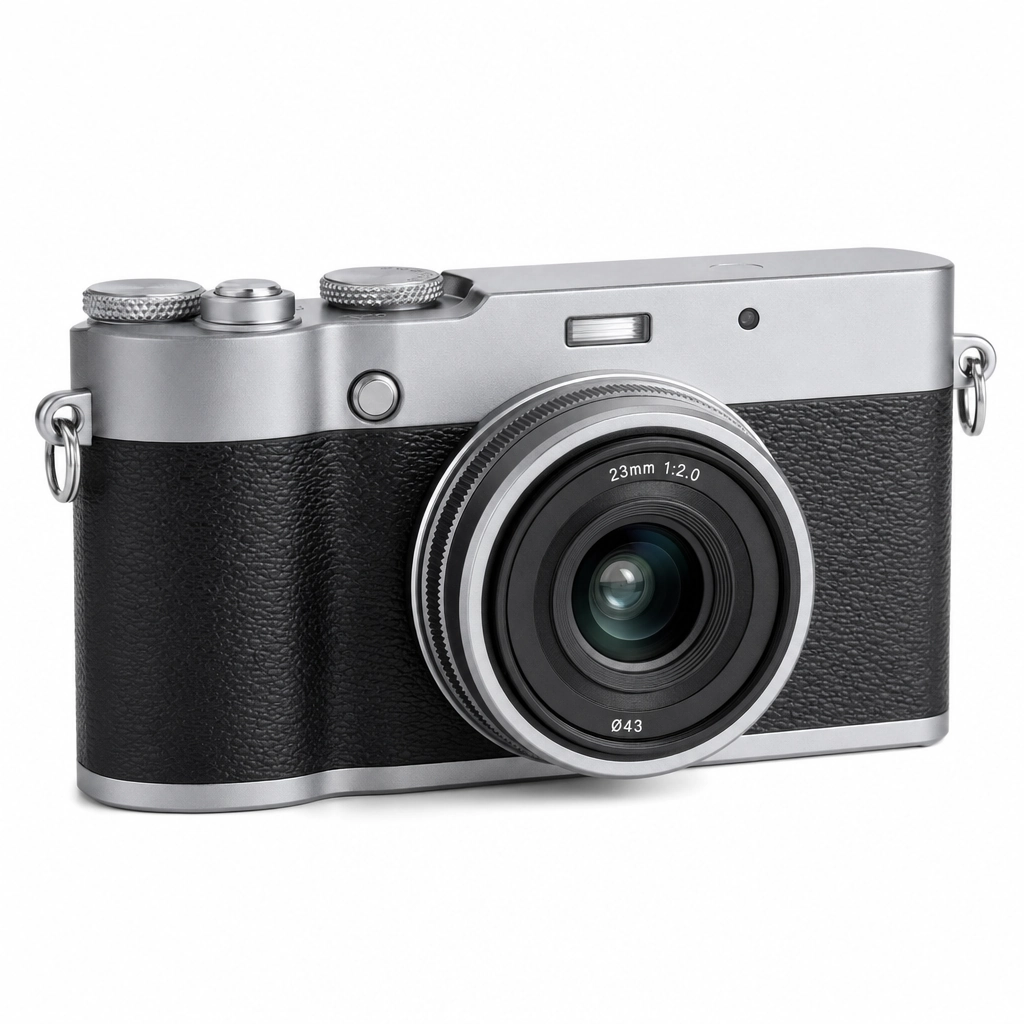
Product reference · 1:1
An AI ad studio is a workspace for developing advertising visuals around a product and a creative brief. It can help explore concepts without replacing every design, production, or approval step.
You can plan image and video concepts in this preview. Model generation is not connected. Formats, inputs and settings will depend on the models made available.
Not necessarily. Product shape, packaging, text and color can vary. Review every result and do not assume a concept is a production-ready product representation.
Ad account connections, publishing and performance optimization are not included. Creative generation and campaign delivery are separate tasks.
Check applicable Framivo and model terms and rights to product images, brands, people and audio. This page does not grant blanket commercial rights.
Bring the product. Explore the direction.